
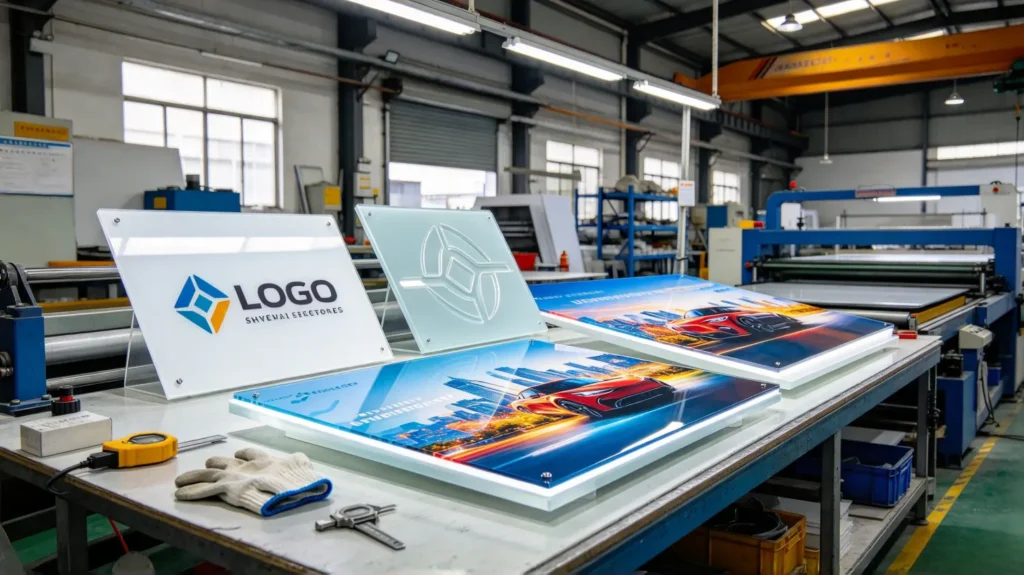
Advertisers, equipment panel makers, light box builders, display cabinet makers, and decoration contractors all face the same question sooner or later: after buying folha de acrílico, how do you put patterns, text, and logos onto it? There are three mainstream ways to put graphics on acrylic — screen printing, engraving, and UV printing (digital printing). Many people cannot tell them apart, end up choosing the wrong one, spend money on the wrong effect, and later the color fades, peels, or scratches.
As a manufacturer providing custom acrylic sheet processing for advertising, equipment manufacturing, and light box customers, YUCHENG Board Industry runs all three processes in our workshop every day, accumulating plenty of hands-on experience and lessons. Customers often bring a finished panel and ask “How was this made?” or “Why does mine fade?” The judging methods and comparison logic in this article are exactly the practical know-how we use when serving customers daily.
1. First Understand: Three Different Ways to “Put a Pattern on Acrylic”
Although they all put graphics on acrylic, impressão serigráfica, engraving, and UV printing are fundamentally three different approaches.
Screen printing: Like stamping with a seal. First, make a mesh stencil (a leaky template). Squeeze ink through the open areas of the stencil onto the acrylic surface. The ink layer sits on the sheet surface and forms the pattern.
The core idea is “print” — the pattern is an added ink layer on the surface.
Engraving (laser / CNC): Like carving with a knife. Use a laser beam or CNC tool to remove a layer of acrylic material from the surface, or cut all the way through. The pattern is “carved” out, with raised-and-sunken texture, even hollow cutouts.
The core idea is “carve” — the pattern is part of the sheet itself, not an added material.
UV printing (digital printing): Like printing with a printer. Use digital print heads to spray ink directly onto the acrylic surface. The pattern is colorful, high-definition, and can be gradient, like printing a photo.
The core idea is “spray” — the pattern is a high-definition color image sprayed on the surface.
Remember it in one sentence: screen printing = stamping, engraving = carving, UV printing = printing. These three approaches determine each one’s pros, cons, suitable scenarios, and price. Let’s go through them one by one.
Key keywords: screen printing, laser engraving, CNC engraving, UV printing — the four core words of acrylic surface processes.
2. Acrylic Screen Printing Process Explained
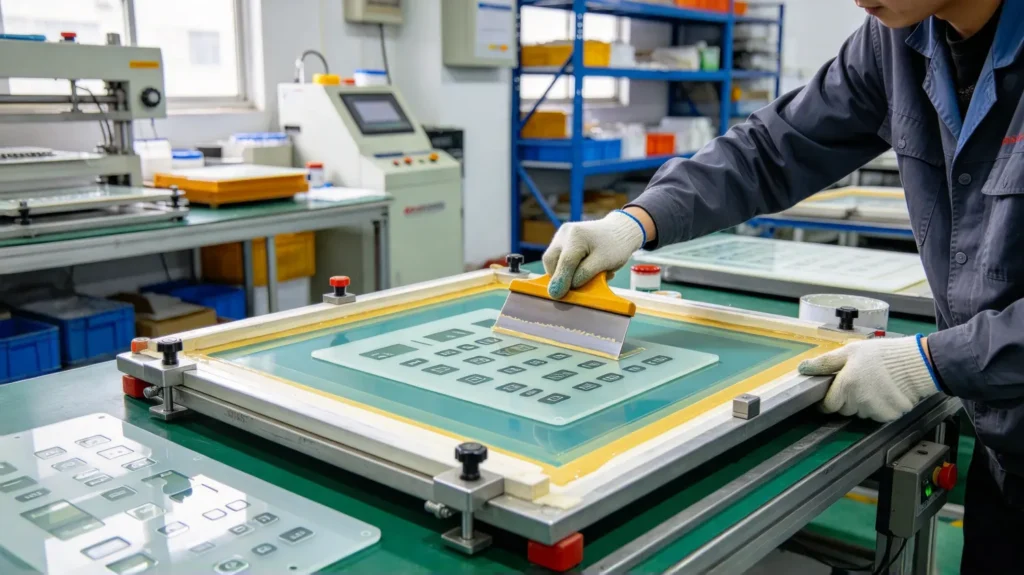
Screen printing is the most classic and longest-established of the three processes, best for mass-producing fixed patterns and single-color or few-color logos.
2.1 How screen printing works
- Make a mesh stencil: Based on the pattern, hollow out the areas to be printed, creating a mesh stencil (now usually made with photosensitive material, high precision);
- Position: Place the acrylic sheet flat on the printing table and fix its position;
- Squeegee: Pour ink onto the stencil, use a squeegee to scrape ink across the hollow areas, so ink transfers onto the acrylic surface;
- Cure: Put printed sheets into an oven or UV curing line to dry and set the ink;
- Repeat: For multiple colors, change the stencil and print again, one color per stencil.
2.2 Advantages of screen printing
- Low cost, especially in batches: One stencil can print tens of thousands of pieces, very low per-piece cost, great for mass production;
- Saturated color, strong coverage: Screen ink is thick and solid, can print solid colors, dark colors, and cover the layer underneath;
- Good durability: Screen ink bonds well with acrylic; with the right ink, it’s relatively durable outdoors;
- Special effects: Frosted texture, localized hollow light-transmission, spot color printing.
2.3 Disadvantages of screen printing
- Not for complex color images: One color per stencil; true-color, gradient, and photo patterns cannot be done;
- Needs stencil making: For small batches where each pattern is different, stencil cost is high and not worthwhile;
- Registration precision: Multi-color printing demands accurate stencil alignment; misalignment creates waste;
- Not for curved or irregular parts: Screen printing basically works on flat sheets, hard for curved shapes.
2.4 What scenarios fit screen printing?
Key labels and parameter text on equipment control panels, logos; single/two-color light box patterns; mass-produced advertising signs; outdoor logos needing thick and durable color. Especially suits “fixed pattern, large quantity, few colors” batch orders.
Process tip: Screen ink comes in solvent and UV types. For outdoor acrylic signs, prefer UV-cured ink or weather-resistant solvent ink, avoiding fading under the sun.
3. Acrylic Engraving Process Explained
Gravação is the process that best delivers “texture” and “3D effect,” and comes in two forms: laser engraving e Gravação CNC.
3.1 Laser engraving
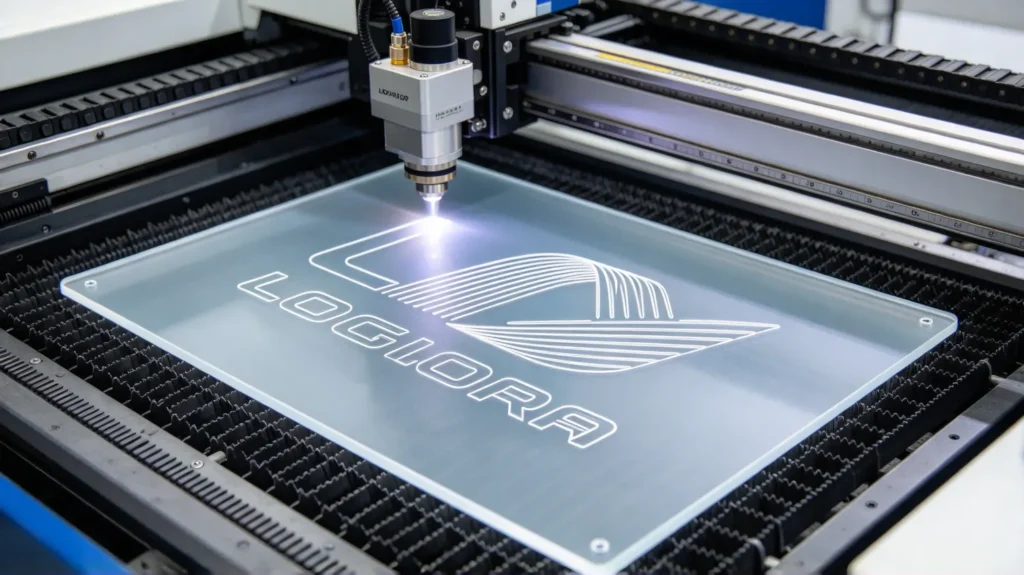
A high-energy laser beam focuses on the acrylic surface and “burns” or cuts the pattern out.
- Laser surface engraving: The laser removes only a thin surface layer. The pattern is sunken with relief texture, usually matte/white, great for text, logos, and patterns on clear or colored acrylic;
- Corte a laser: The laser cuts through the acrylic completely, making hollow patterns and irregular shapes with smooth edges.
Vantagens: High precision, can do very fine text and complex patterns; non-contact processing, no mechanical stress on the sheet; fast, good for prototyping and small batches; can make hollow light-transmission effects.
Desvantagens: Laser creates heat, so cut edges may have slight burning marks; the white effect of laser surface engraving on clear acrylic is limited in color (mostly matte white); thick sheet laser cutting is slow and costly.
Ideal para: Acrylic letters, logo engraving, hollow light boxes, craft gifts, panel text.
3.2 CNC engraving
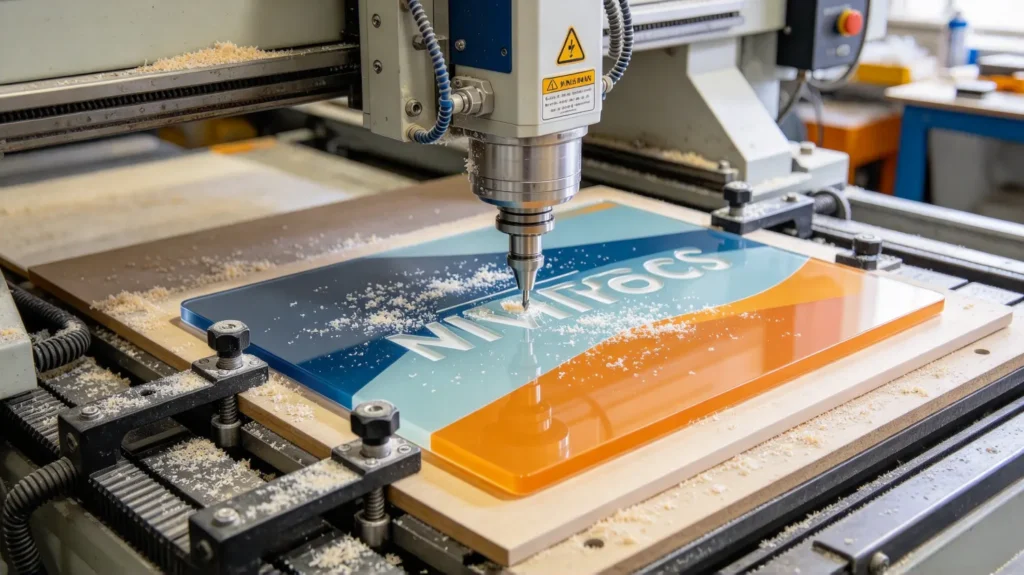
A CNC machine drives a rotating cutting tool to mill a layer off the acrylic surface, or cut it into shape.
- CNC flat engraving: The tool mills off the surface layer; the pattern is sunken, and it can create two-color effects (e.g., a top layer of one color, base layer of another; milling off the top reveals the bottom);
- CNC cutting & shaping: Mills out complex outlines, making irregular, curved, and 3D letter parts.
Vantagens: Can do two-color acrylic sheet engraving (two different color layers, milled for depth); strong 3D effect; good for 3D letters and relief; more efficient than laser for thick sheets; can do curved and irregular shapes.
Desvantagens: CNC is contact processing, creating tool stress; thin sheets can chip at edges; cannot do ultra-fine hollow work (limited by tool radius); surface precision slightly lower than laser, needs secondary polishing.
Ideal para: Acrylic 3D luminous letters, two-color panels, equipment panel grooving, relief decoration, irregular cut parts.
3.3 How to choose between engraving methods?
- Need fine text, hollow light transmission, small-batch prototyping → prefer laser;
- Need 3D effect, two-color, thick sheets, irregular parts → prefer CNC;
- They can combine: laser for fine detail, CNC for outline cutting.
Key keywords: laser engraving, CNC engraving, two-color acrylic, hollow light-transmission, 3D letters — core points of the engraving process.
4. Acrylic UV Printing Process Explained
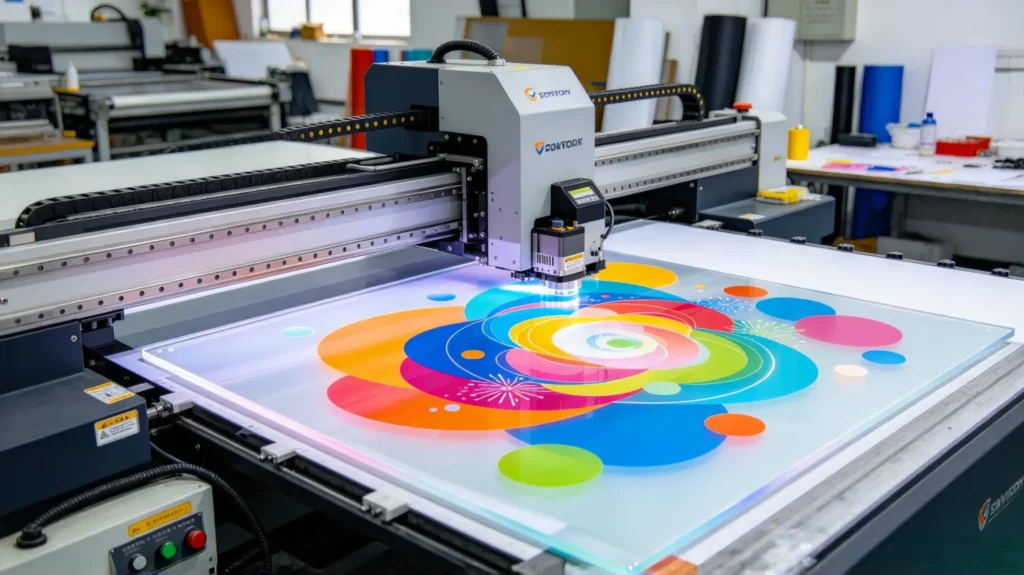
UV printing (digital printing) is the hottest process in recent years because it turns the acrylic surface into a “high-definition color photo” effect that screen printing and engraving cannot achieve.
4.1 How UV printing works
A UV digital printer uses print heads to spray CMYK (or more) ink directly onto the acrylic surface like an inkjet printer. After the ink lands, UV lamps instantly cure it, “fixing” the color onto the sheet.
4.2 Advantages of UV printing
- High-definition color: Photo-level effect; gradients, true color, people, and scenery all possible;
- No stencil needed: Print whatever is on the computer; easy to change designs, great for small batches and many different patterns;
- White ink layer: Can print a white base first on clear acrylic, then color, making the pattern opaque and more solid;
- Backlit / front-lit light boxes: UV printing on clear acrylic, combined with lighting, creates luminous light box effects;
- High resolution: Fine detail and clarity.
4.3 Disadvantages of UV printing
- Ink durability: Ordinary printing ink fades and darkens under long-term outdoor sun. Outdoor signs need UV-resistant ink; indoor is relatively durable;
- Surface coating feel: The printed pattern forms an ink film on the surface with a slight texture; less wear-resistant than screen printing;
- Needs lamination protection: Outdoor printed acrylic usually requires an additional protective film (lamination) to resist scratching and sun;
- Custo: Low cost for small batches, but for very large batches per-piece cost may not beat screen printing (which is cheaper in volume).
4.4 What scenarios fit UV printing?
Advertising photography, light box graphics, display boards, display cabinet back panels, product display images, portrait photos, indoor decorative art. Especially suits “complex colorful images, low quantity, frequent design changes.”
Process reminder: UV printing suits “color images, low quantity, frequent changes”; screen printing suits “fixed patterns, high quantity, few colors”; engraving suits “texture, 3D, hollow effects.” This is the most core one-liner for choosing among the three processes.
5. Side-by-Side Comparison: Which One to Choose?
Many customers struggle to choose. We compare all three processes across dimensions so you can match directly.
| Dimension | Impressão serigráfica | Engraving (Laser/CNC) | Impressão UV |
| Pattern type | Fixed, single/few colors | Text, logo, hollow, 3D | Color, gradient, photo |
| 3D texture | None (flat ink) | Strong (sunken/relief/hollow) | None (flat ink) |
| Pattern changeable | Hard (remake stencil) | Medium (re-program) | Easy (edit and print) |
| Best quantity | Produção em massa | Small-medium batch | Small batch, many patterns |
| Resistência ao uso no exterior | Good (with weather ink) | Good (sheet itself) | Medium (UV ink + lamination) |
| Cost feature | Low per piece in batch | Flexible prototyping, moderate per piece | No stencil, flexible small batch |
| Precisão | Médio | Elevado | Elevado |
| Best scenario | Panel keys, batch signs | 3D letters, hollow light box, panel text | Advertising photos, light box graphics, display boards |
One-line selection advice:
- Mass production, fixed pattern, few colors → impressão serigráfica
- Need 3D texture, hollow, panel text, two-color → engraving
- Color HD images, low quantity, frequent changes → Impressão UV
Often one product combines several processes. For example, a light box: the acrylic face first gets UV-printed color graphics, then engraved for hollow shapes, and local text added by screen printing. Hybrid processes achieve effects that screen printing, engraving, or UV printing alone cannot. YUCHENG Board Industry can flexibly combine these processes per project and deliver a finished product at once.
6. Pitfalls in Process Selection and Inspection
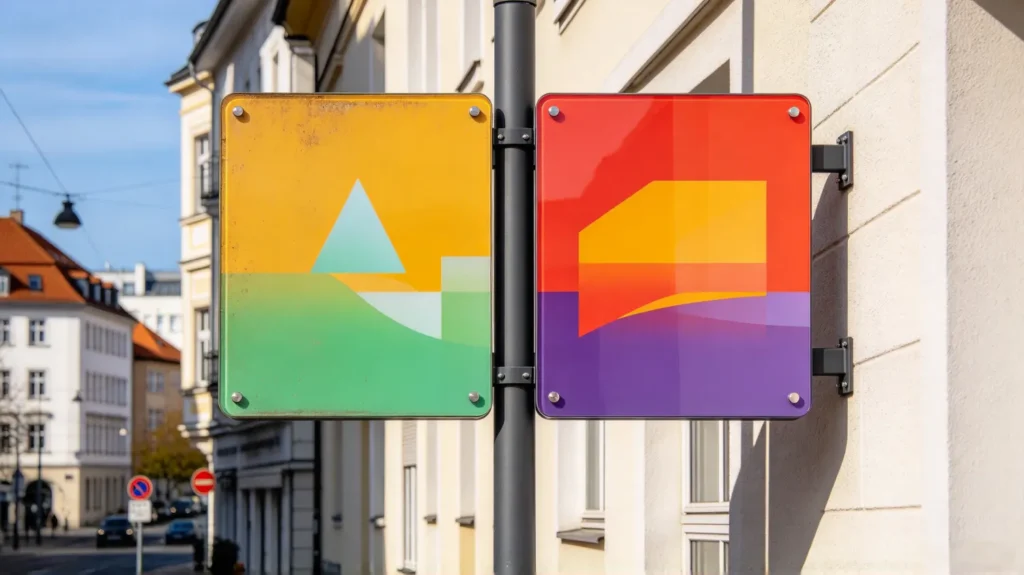
6.1 Outdoor durability: don’t forget the ink
Whether screen printing or UV printing, outdoor projects must confirm the use of weather-resistant ink / UV-resistant ink. Ordinary ink fades and darkens within months outdoors. Ask one question when ordering: “How many years outdoors before fading?” If the answer is solid, it’s professional material.
6.2 Whether to print white base on clear sheets
For UV printing color patterns on clear acrylic, remember to print a white base, otherwise, the color looks gray and washed out through the light. With a white base, colors look fuller.
6.3 Handle engraving edges
CNC engraving and laser cutting edges may have burrs or burning marks. For appearance and clear parts, polish edges after engraving for a clean, transparent result.
6.4 Lamination protection
For outdoor UV-printed acrylic, we recommend adding a UV-resistant protective film, which prevents scratching and delays ink fading. It’s highly recommended for light box faces and outdoor signs.
6.5 Check three things when accepting
- Pattern registration accuracy (screen color registration, UV white base);
- Whether colors are solid and edges are clear;
- Whether edges have burrs, scratches, or burning marks.
7. YUCHENG Board Industry: One-Stop Screen Printing, Engraving & UV Printing
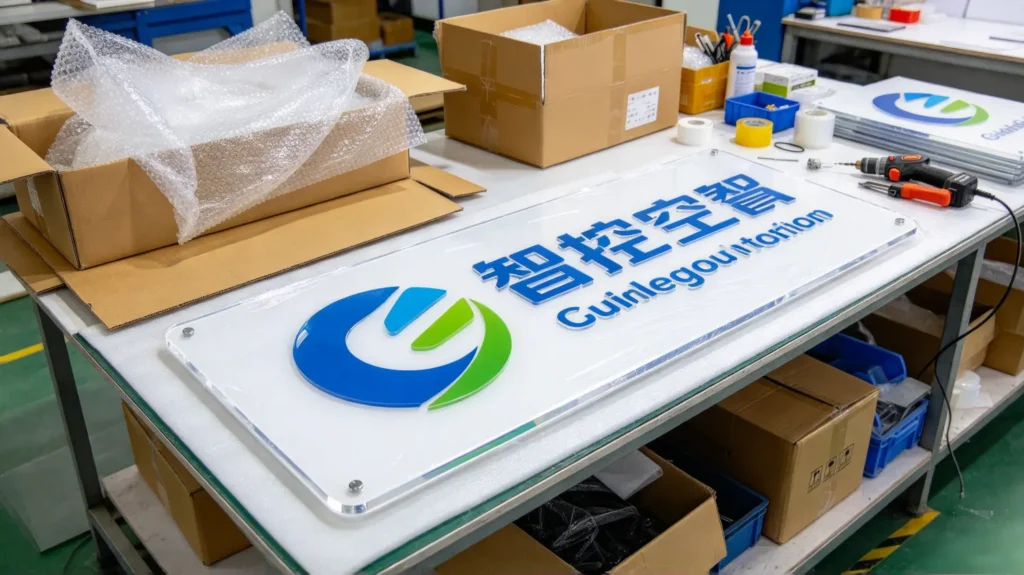
If your project needs acrylic surface finishing, YUCHENG Board Industry can handle it all in one place, saving you from coordinating multiple fabricators.
- All three processes in-house: Our workshop has screen printing line, laser engraving machine, CNC engraving machine, and UV digital printer. Screen printing, engraving, and UV printing can be done separately or combined, delivering a complete finished product at once;
- Sheet supply: We provide clear, frosted, colored, and two-color acrylic sheets, pairing with engraving for two-color effects and UV printing for light box panels;
- Full processing flow: From cutting, drilling, grooving, thermoforming, to screen printing/engraving/UV printing/lamination, and edge polishing, all acrylic steps happen in our factory, with controllable quality and lead time;
- Drawing and design support: Send drawings, artwork, or usage requirements. We evaluate the process for free and tell you whether to use screen printing, engraving, or UV printing, or how best to combine them;
- Prototyping support: Before mass orders, we make samples first to confirm color, pattern, dimension, and durability, then mass-produce once approved;
- Industries served: Advertising signage, light box signs, equipment control panels, display cabinets, decorative partitions, and craft gifts — with mature case experience.
If you have an acrylic surface finishing project, whether a few samples or large orders, send us drawings and artwork files (AI/CDR/PDF/images). We will tell you whether to use screen printing, engraving, or UV printing, what sheet to use, whether to print a white base, and whether lamination is needed, helping you make patterns right, beautiful, and durable.
8. Perguntas frequentes
Q1: Among screen printing, engraving, and UV printing, which is most durable? A: Gravação is most durable (the pattern is part of the sheet itself and never fades or peels). Screen printing with weather-resistant ink is also durable. Outdoor UV printing requires UV-resistant ink and lamination; it’s less durable. It depends on the scenario and budget.
Q2: For small-batch color patterns, which process? A: Prefer Impressão UV — no stencil needed, easy to change designs, high-definition color. If quantities grow, consider switching to screen printing to lower costs.
Q3: How to make 3D acrylic luminous letters? A: Mainly engraving (laser/CNC) for the letter shell, combined with lighting; you can also add screen printing or UV printing for local patterns.
Q4: Why print a white base for color patterns on clear acrylic? A: Without a white base on clear sheets, colors look washed out and gray through the light. Print a white base first, then color, so colors look full and opaque.
Q5: Do UV-printed patterns fade? A: Indoor is relatively durable; outdoor must use UV-resistant ink and lamination, otherwise UV light accelerates fading. Confirm ink grade with the manufacturer when ordering.
9. Conclusion
Acrylic screen printing, engraving, and UV printing are three surface processes, each with its own specialty. There is no absolute best, only “the right fit”:
- Screen printing = stamping, for mass production, fixed patterns, few colors, low cost, durable;
- Gravação = carving, for 3D effect, hollow, panel text, two-color effects, most durable;
- Impressão UV = printing, for color HD images, low quantity, frequent changes, flexible and beautiful.
With the right process, plus weather-resistant ink, white base, edge polishing, and lamination details, your acrylic patterns become both beautiful and durable. For outdoor projects, ask one more question — “Will it stand the sun, will it fade?” — and save yourself a lot of rework money.
If you are working on an acrylic pattern, panel, or light box project, welcome to contact YUCHENG Board Industry. Screen printing, engraving, and UV printing are all available in one stop. From sheet and processing to surface finishing, we help you get patterns done right, beautifully, and long-lasting.