




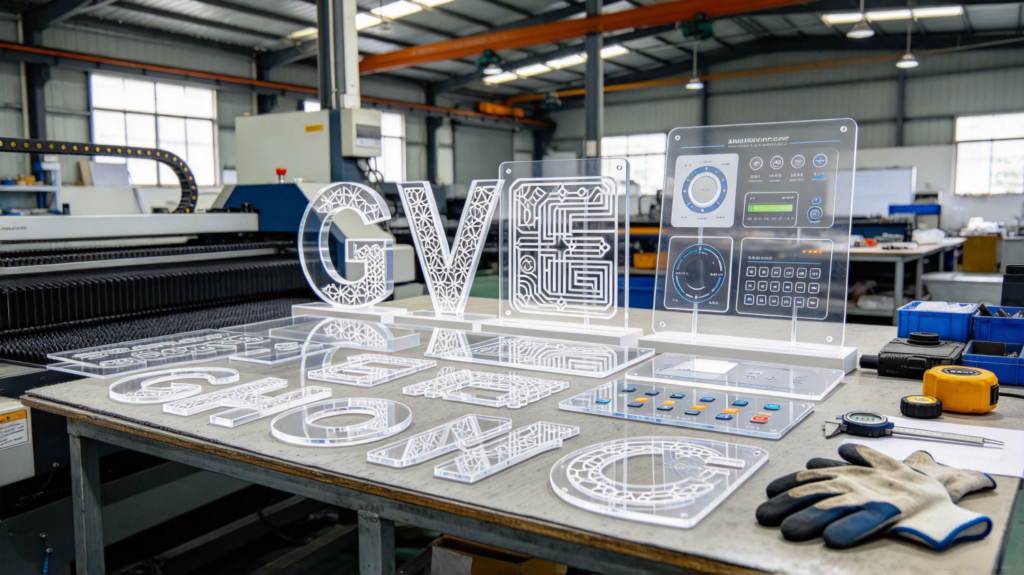
Those who make advertising letters, light boxes, display cabinets, equipment panels, crafts, and decorative parts almost all use acrylic laser cutting. After buying an acrylic sheet, the first step is usually “cutting.” There are several cutting methods — manual cutting, mechanical sawing, CNC routing, and laser cutting. Among them, Laserschneiden has become increasingly popular in recent years because the cut edge is smooth, precision is high, and it’s fast, especially suitable for acrylic.
But laser cutting is not a magic answer. Some use it to cut thin sheets fast and well; some cut thick sheets and get white, yellow, burred edges; some even crack the sheet in one pass. Many people don’t understand what Acryl-Laserschneiden really offers — what features it has, what thickness it suits, what advantages and limits it has — and only learn by making mistakes.
This article explains the acrylic laser cutting process features & processing advantages completely: how laser cutting works, why the cut edge is so smooth, what thickness it suits, how it compares with other cutting methods, what its limitations are, how to inspect, and how to avoid pitfalls. Then we give selection advice so advertisers, panel makers, and craft customers can choose correctly.
As a manufacturer providing custom acrylic sheet processing for advertising, equipment manufacturing, and light box customers, we run laser cutting machines in our workshop every day, cutting countless acrylic sheets. Customers often bring a cut sheet and ask “how is it so straight” or “why does my thick sheet turn yellow.” The judging methods and notes in this article are the practical experience we use daily when serving customers and handling cutting orders.
1. How Does Acrylic Laser Cutting Work?
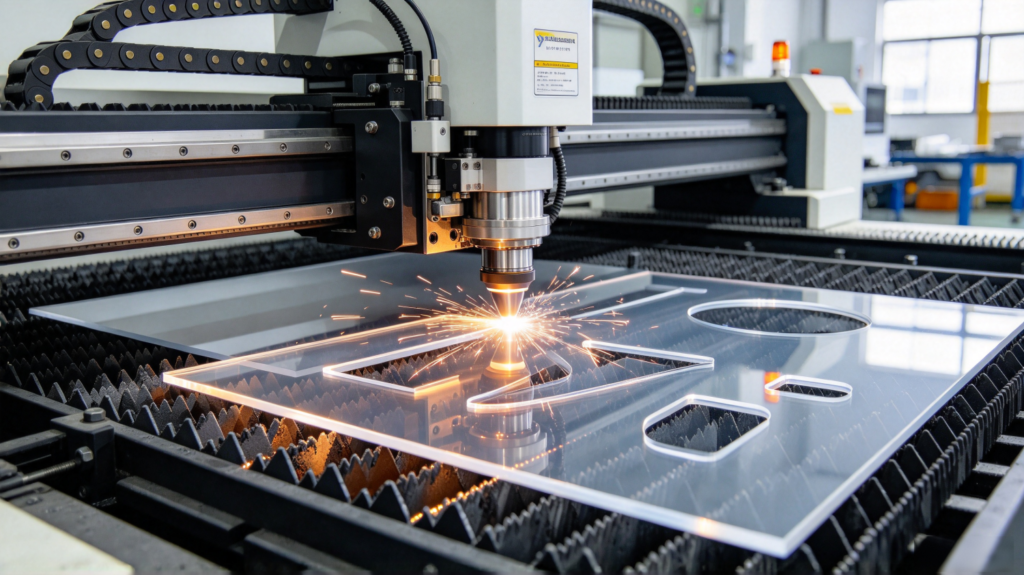
Let me first explain the principle so you understand why the cut edge is so smooth.
Laserschneiden uses a high-energy laser beam focused on the acrylic surface. The material at the focal point is instantly heated to vaporization/melting temperature. Assisted by high-pressure gas, the molten material is blown away, forming a smooth cut kerf. The laser head moves along the drawing path, cutting the acrylic into the desired shape.
Key points:
- Non-contact processing — the laser head never touches the sheet, no physical pressure like a tool, so no squeezing, no edge chipping, no mechanical stress. This is a major advantage for cutting acrylic;
- Narrow kerf — the focused laser spot is very fine, the cut width is small, material loss is low, and it can cut very fine shapes and details;
- Concentrated heat — laser vaporizes material in an extremely short time, leaving a neat edge, but when cutting thick sheets the heat is large, creating slight heat-affected zones (whitening, yellowing) on edges — a point to note for thick sheet cutting.
Key keywords: laser cutting, non-contact processing, smooth cut edge, high precision, heat-affected zone — core words of acrylic laser cutting.
2. Core Advantages of Acrylic Laser Cutting
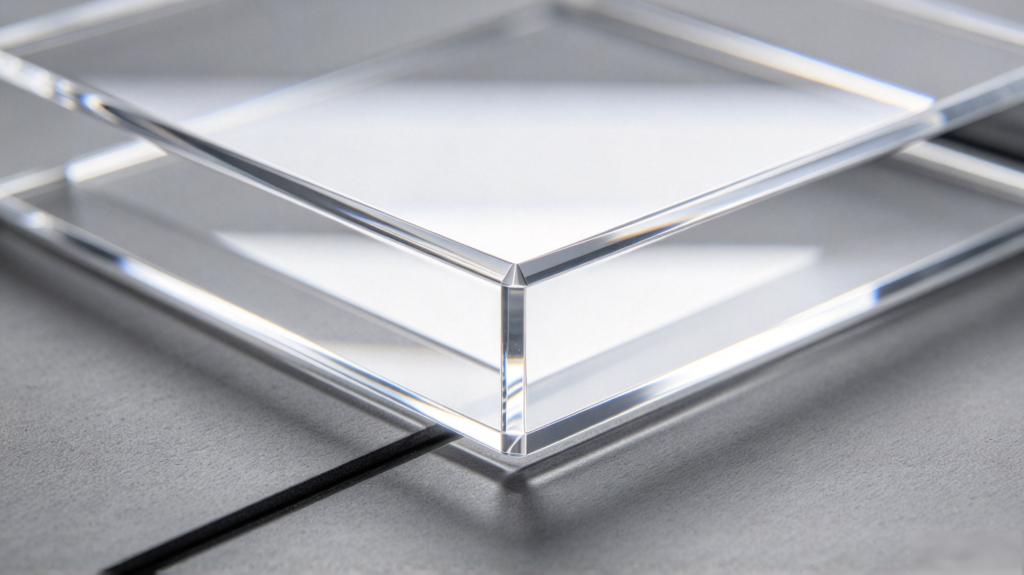
2.1 Smooth cut edge, almost no secondary polishing needed
This is the biggest highlight of laser cutting acrylic. The laser-cut acrylic edge is smooth and transparent. Especially for clear acrylic, the cut edge is far cleaner than mechanical sawing or manual cutting, often usable without polishing. For display cabinets, transparent panels, and light boxes, this advantage is very valuable — saving a polishing step.
2.2 High precision, can do fine complex patterns
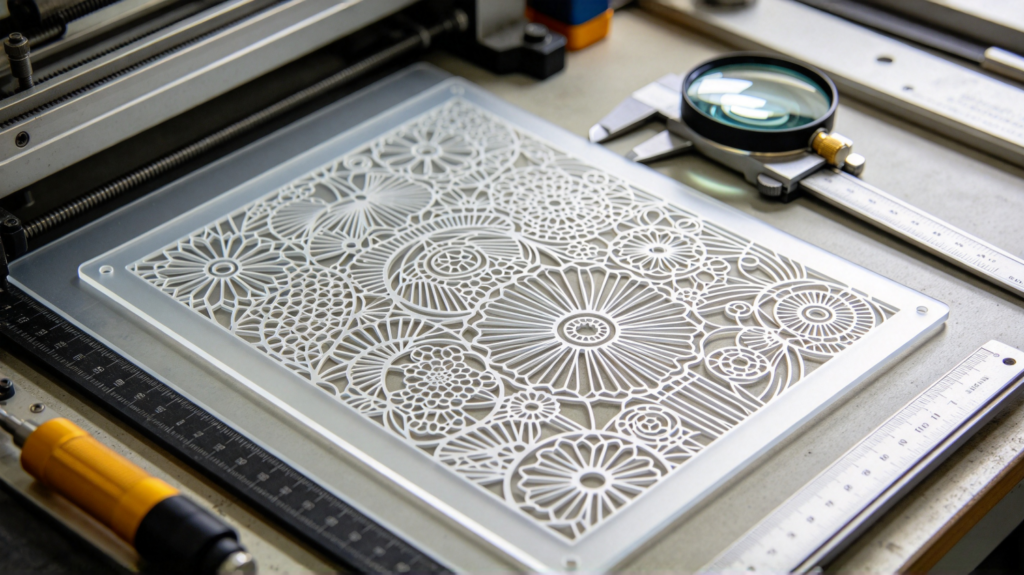
The laser head is CNC-controlled with very high positioning precision, able to cut very fine text, complex hollow patterns, and precise inner corners. For acrylic logos, hollow light boxes, and fine crafts, laser cutting precision is incomparable to manual and ordinary sawing.
2.3 Fast speed, good for small-batch prototyping and mass production
Laser cutting is fast, especially for thin and medium sheets, much faster than CNC routing. Changing designs is easy — draw on the computer and cut directly, no mold needed. For small-batch prototyping, multiple varieties, and frequent design changes, laser cutting’s efficiency advantage is very obvious.
2.4 Non-contact, no stress, no edge chipping
Laser doesn’t touch the sheet, no tool pressure or vibration, so thin sheets don’t chip and complex shapes don’t crack easily. For brittle acrylic and thin sheets, this is a big advantage.
2.5 Sealed cut edges
The laser cut is “melt-sealed,” making the cut edge relatively dense, less prone to water penetration and moisture absorption than mechanically cut edges. This is beneficial for outdoor parts and parts needing edge sealing.
Key keywords: smooth edge, high precision, fast speed, no-stress no-chipping, sealed edge — the five major advantages of acrylic laser cutting.
3. Limitations and Points to Note for Acrylic Laser Cutting
Laser cutting is not universal. You must know these limitations to avoid pitfalls.
3.1 Heat-affected zones on thick sheet cutting
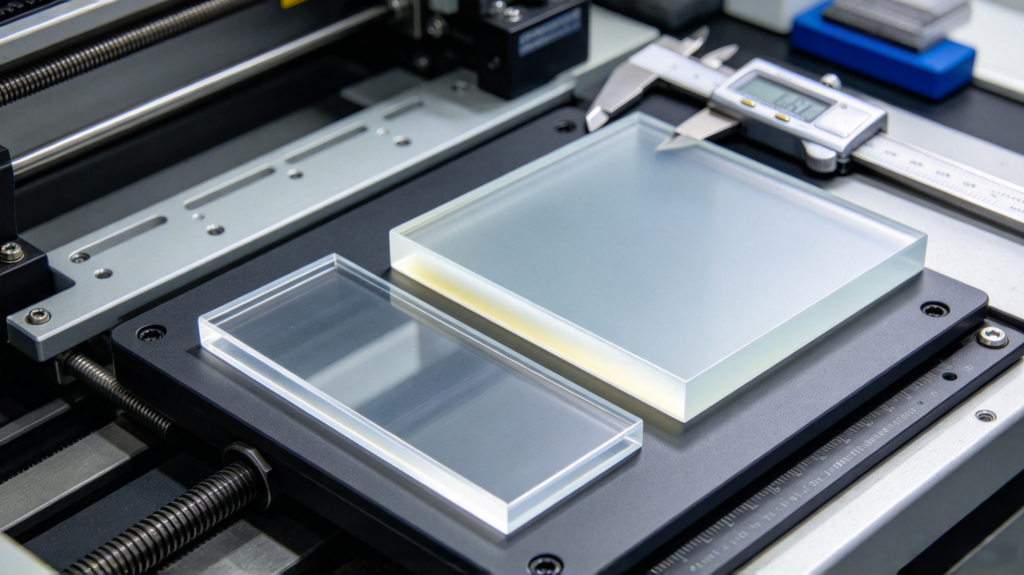
Laserschneiden thin sheets (1–8mm) works best with smooth edges. But when cutting thick sheets (10mm and above), the laser heat is large, and the cut edge easily shows whitening, yellowing, and slight burrs because the material thermally ages. The thicker the sheet, the more obvious the heat effect and the more yellowing on edges.
- If the product requires high edge transparency and appearance, thick sheets should use CNC routing for more controllable, flatter edges;
- Or laser cut and then polish the edges.
3.2 Slight chamfer/burning feel on edges
When laser cutting thick sheets, the edge may have a slight rounded or burnt trace, not an absolute 90° right angle. Parts with extremely high appearance requirements may need secondary treatment.
3.3 Not all sheet colors are suitable
Laser reacts differently to colors. Clear, light, and solid acrylic cut well; very dark sheets (especially with certain dyes) absorb laser well and cut fast, but some light/fluorescent sheets absorb laser poorly, cutting inefficiently and turning yellow easily. Confirm the sheet color is suitable for laser cutting before ordering.
3.4 Produces smoke and odor
Laserschneiden acrylic produces a small amount of smoke and odor (from acrylic thermal decomposition). The workshop needs ventilation and smoke extraction. This is a processing environment issue, doesn’t affect the finished product, but reputable fabricators handle smoke extraction properly.
3.5 Thick sheet cutting cost is high and slow
Laser cutting 10mm+ thick sheets slows down significantly, consumes more energy, and single-piece cost rises. For large-batch thick sheets, CNC or sawing has better cost performance.
One-line summary of limitations: Laser cutting excels at “thin sheets, fine details, small batches, many patterns”; for thick sheets, large batches, or extremely high cut-edge requirements, combine with CNC or other methods.
4. Acrylic Laser Cutting vs Other Cutting Methods
Many customers struggle to choose between laser, CNC, and manual. We compare them side by side for easy matching.
| Dimension | Laserschneiden | CNC Routing | Manual/Sawing |
| Edge smoothness | High (thin sheet) | High (controllable) | Low (rough) |
| Präzision | Hoch | Hoch | Niedrig |
| Speed (thin) | Schnell | Mittel | Mittel |
| Speed (thick) | Slow, high cost | Fast, controllable | Fast (saw) |
| Contact sheet | No (no stress) | Yes (tool stress) | Yes |
| Suitable thickness | Thin~medium (1–8mm) | Medium~thick (up to tens mm) | Simple thick blanking |
| Secondary processing | Polishing for thick | Usually polishing | Trimming needed |
| Fine patterns | Ausgezeichnet | Gut | arm |
| Prototyping/changes | Very convenient | Convenient | Not convenient |
| Large-batch thick | Not economical | Economical | Cheap |
Selection reference:
- Thin sheet, fine hollow, small-batch prototyping, many patterns → Laserschneiden
- Thick sheet, large batch, irregular parts, curved cutting → CNC routing
- Simple rectangular thick blanking, cost priority → sawing
Often one product combines methods: laser for fine parts, CNC for thick outlines, plus screen printing, engraving, or UV printing for surface finishing. Hybrid processing achieves effects a single method cannot. YUCHENG Board Industry has both laser cutting and CNC routing machines, flexibly combinable per need, delivering a finished product at once.
5. Acrylic Laser Cutting Selection and Pitfall Points
5.1 Confirm the sheet is laser-cutting suitable
Confirm with the fabricator before ordering whether the sheet thickness and color suit laser cutting. Clear, solid, and light sheets are generally fine; for special colors and thick sheets, ask first about the finished edge effect.
5.2 Think first about whether thick sheets need laser
If the product is 10mm+ thick with high edge-appearance requirements, ask the fabricator “Can it be switched to CNC?” Don’t blindly insist on laser, or you’ll regret the yellowing after cutting.
5.3 Clarify tolerance and detail requirements
Laser cutting has high precision, but still mark on the drawing: outline tolerance, hole tolerance, minimum hollow size. For especially fine hollow work, confirm first whether it can be cut and whether the strength is sufficient after cutting.
5.4 Whether to polish after cutting
For transparent and appearance parts, if the laser-cut edge is white/yellow, ask the fabricator to polish the edge for a clear result. Write “polish or not” clearly when ordering.
5.5 Inspect three things when accepting
- Whether outline dimensions and holes are correct;
- Whether the cut edge is smooth, without yellowing/whitening or burrs;
- Whether edges have burning marks or stress cracks.
6. Typical Applications of Acrylic Laser Cutting
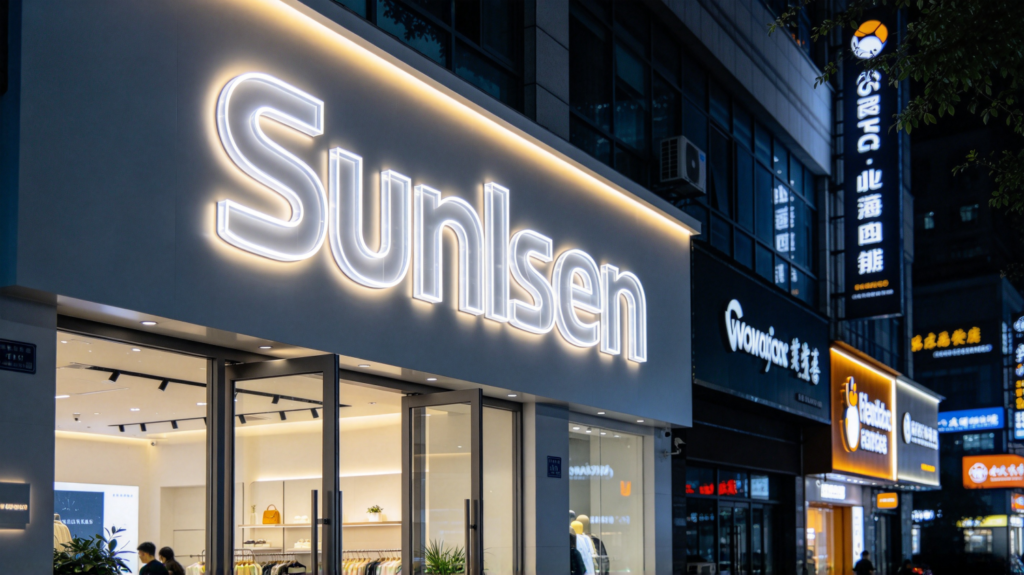
Acrylic laser cutting has very wide applications. A few of the most typical ones:
- Advertising signs: acrylic letters, logos, hollow patterns, carved letters;
- Leuchtkästen: hollow light box faces, irregular light box shapes, luminous letters;
- Display cabinets/stands: transparent display covers, shelves, fine panels;
- Equipment panels: control panel openings, instrument panels, protective covers;
- Crafts/gifts: fine hollow crafts, medals, ornaments;
- Architectural decoration: partition shapes, decorative hollow panels.
Whenever it’s thin-to-medium acrylic sheets needing fine cutting, frequent design changes, small batches, laser cutting is basically the first choice.
7. YUCHENG Board Industry: One-Stop Acrylic Laser Cutting
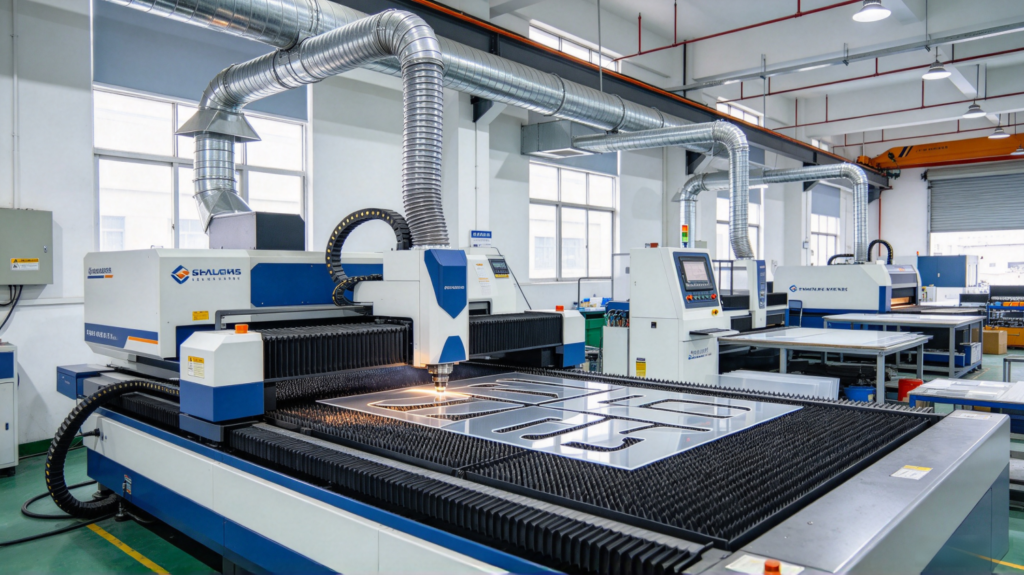
If your project needs c, YUCHENG Board Industry can handle it all in one place.
- Laser cutting equipment: Equipped with multiple professional laser cutting machines, cutting thin and medium sheets, high precision, smooth edges, supporting fine hollow and complex patterns;
- Sheet supply: Provide clear, frosted, colored, and two-color acrylic sheets, paired with laser cutting for various products;
- Full processing flow: From laser cutting, CNC routing, drilling, thermoforming, to screen printing, engraving, UV printing, and edge polishing, all acrylic steps happen in our factory, with controllable quality and lead time;
- Drawing and design support: Send drawings or usage requirements. We evaluate the process for free and tell you whether to use laser or CNC, what thickness, and whether polishing is needed after cutting;
- Prototyping support: Before mass orders, we make samples first to confirm the cut edge, dimensions, and effect, then mass-produce once approved;
- Industries served: Advertising signs, light boxes, equipment panels, display cabinets, crafts, and architectural decoration — with mature case experience.
If you have an acrylic cutting project, whether a few samples or large orders, send us drawings (DXF/PDF/CDR/AI). We will tell you whether to use laser or CNC, what sheet, what thickness, and whether to polish, helping you get smooth edges, precise dimensions, and beautiful finished parts.
8. FAQ
Q1: What thickness can acrylic laser cutting handle? A: Regular laser cutting works best on 1–8mm with smooth edges. 10mm+ thick sheets can be cut, but edges show yellowing/whitening (heat effect), with higher cost and slower speed. For thick sheets, consider CNC routing.
Q2: Why is the laser-cut acrylic edge so smooth? A: Because laser is non-contact process, instantly vaporizing material with a high-energy beam. The kerf is narrow and the edge is neat, unlike tools that squeeze and chip. This is the biggest advantage of laser cutting acrylic.
Q3: Does the laser-cut clear acrylic edge turn yellow? A: Thin sheets basically don’t, the edge is very transparent; thick sheets have slight whitening/yellowing (heat effect), which can be solved by edge polishing. For high edge-appearance requirements, state this when ordering.
Q4: How to choose between laser cutting and CNC cutting? A: Thin sheets, fine hollow, small-batch prototyping, many patterns → laser; thick sheets, large batch, irregular parts, curved cutting → CNC. They can be combined.
Q5: Is polishing needed after laser cutting? A: Thin transparent parts basically don’t need it, the edge is already smooth; thick parts or parts with high edge-appearance requirements are better polished for a clearer, better-looking finish.
9. Conclusion
Acrylic laser cutting is one of the most hassle-free, precise, and flexible ways to cut acrylic. Remember these key points:
- Smooth edge, high precision, fast speed, no-stress no-chipping — the four core advantages of cutting acrylic;
- Thin to medium sheets (1–8mm) are most suitable; thick sheets have heat-effect yellowing, consider CNC or polishing;
- Small batches, many patterns, frequent design changes — laser cutting has the best cost performance; large-batch thick sheets need careful weighing;
- Choose the right thickness and sheet color, clarify tolerance, and write “whether to polish” clearly — laser cutting will help you cut acrylic smoothly and beautifully.
If you are working on acrylic cutting, panel, light box, or craft projects, welcome to contact YUCHENG Board Industry. We offer laser cutting, CNC routing, Siebdruck, engraving, Thermoformung, and UV printing, all in one stop. From sheet and processing to surface finishing, we help you get smoother cuts and more beautiful finished parts.